The Forest For The Trees

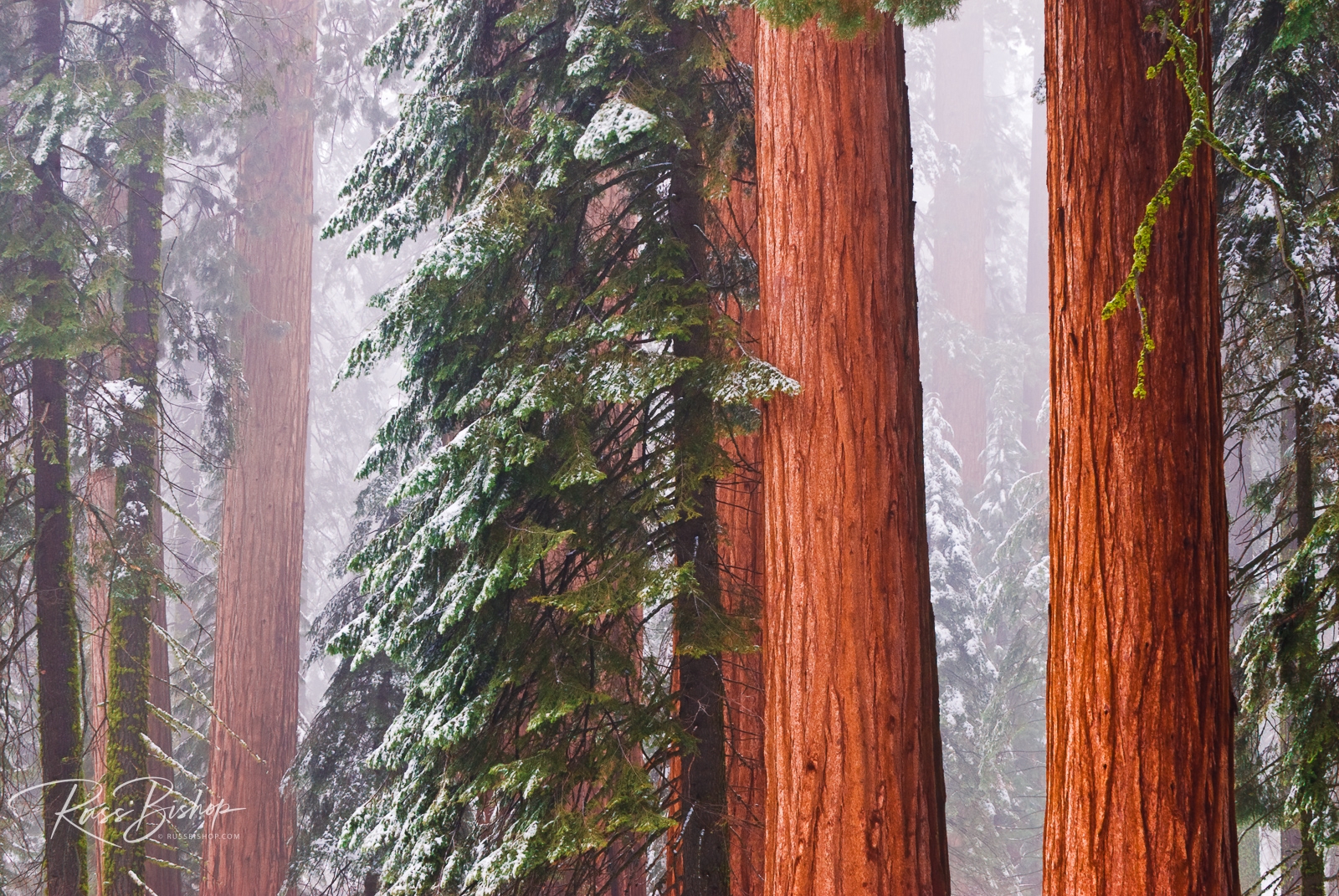
The Forest For The Trees. Giant Sequoia in winter, Giant Forest, Sequoia National Park, California
Giant Sequoia in winter, Giant Forest, Sequoia National Park, California

In today’s modern world of fast-paced digital photography it’s easy to feel overwhelmed by the constant stream of new technology. Cameras, software and accessories are released at an alarming rate, and it’s easy to get caught up in the race to stay ahead of the curve. But it’s important to remember that first and foremost we are artists, and that technology serves the art and not the other way around. Don’t lose sight of the forest for the trees.

You can be sure Rembrandt didn’t lust over the latest brushes or Ansel Adams the latest developer or papers whenever their interpretation of light and shadow faced a challenge. Instead, they trusted their familiar tools even more to allow their hand and eye (the only lasting tools of the trade) to record the scene faithfully.

When you do upgrade your equipment (and we all do at some point) you owe it to yourself to thoroughly understand its features and functions. No one likes reading manuals, but it’s time well spent that you’ll appreciate the next time the light is fleeting and you’re focused on capturing the moment, not fumbling with dials or menu settings.

So purchase when you must, but don’t lose sight of the big picture. Put your energy into developing your vision and spend less time worrying about the march of progress. Art is about the seeing and no one will ever look at your images and say “that was made with a Nikon or Canon”. More likely, they will say “what was s/he feeling”!

The more comfortable you are with your equipment the more it becomes an extension of your mind’s eye and allows you the freedom to truly see the world around you. And that’s when your vision outshines all the other tools in your bag.


©Russ Bishop/All Rights Reserved

Don’t Leave Home Without It

Don't Leave Home Without It ~ Hiker on the Bishop Pass trail in Dusy Basin, Kings Canyon National Park, California | © Russ Bishop
Hiker on the Bishop Pass trail in Dusy Basin, Kings Canyon National Park, California

Don’t Leave Home Without It ~ When planning a photo shoot many items are obvious and not likely to be left behind such camera bodies, tripods, or a favorite bag. But there’s a reason surgeons and pilots use a checklist before every flight or operation. Even though they have performed these tasks a hundred times, the possibility of forgetting one important item is not acceptable.

Granted photography is not quite as extreme, but we can still benefit from this time-worn ritual. A checklist will alleviate much of the anxiety both when you’re packing, and when you’re far from home and realize you’re missing an important piece of gear.

Every trip is unique. Duration, location and expectations will determine whether specialized gear or extra food and clothing is required, but even the short trips close to home can benefit from good preparation.

Here’s a simple list of action items that should be included on any photo trip:

  • Do your homework – create a visual idea file of images to develop a sense of place for where you are traveling and images you hope to make. Google Earth can be a huge help in determining landforms and cityscapes alike, and with the Photographer’s Ephemeris you’ll know exactly when the sun will set and where the moon will rise.
  • Gear List – Make a list of personal gear and camera gear you feel you’ll need for your destination. For extended trips, start these lists at least a month prior to your travel to allow time to modify. Check the online forums for recommendations from those who have been to the location. Often less is more when trying to travel light.
  • Rentals – If you’re planning to rent a piece of gear, be sure to reserve it well in advance to allow plenty of time for availability and shipping.
  • Location List – Create a checklist of locations you plan to visit and subjects you’d like to photograph. You won’t make it to all of them, but having options will allow flexibility when the weather or other obstacles alter your plans.
  • Batteries & Memory – Make sure you have batteries, chargers and memory cards for the specific camera bodies you’ll be taking. Portable solar panels are great for extended backcountry trips, and 12 volt inverters are perfect when working from a car.
  • Card Reader – Memory card readers for the cards you’re taking are much quicker than downloading directly from the camera. Especially on longer trips when evening social time and sleep are often at a premium!
  • Software – Make sure your laptop or tablet has the software or apps you plan to use and that they are up to date.
  • Camera Manuals – Download the PDF instruction manuals for your camera bodies to your phone or tablet. No one likes to read manuals, but knowing what the error code is when you’re miles from home can be a real asset.
  • Camera Cleaning – Clean all lens elements and filters prior to leaving, and pack a sensor cleaning kit. Dust is the bane of digital photography and it will find its way onto your sensor every time you change lenses.
  • Repairs – Pack a small photo repair kit, including jeweler’s screwdrivers, pliers, tweezers, and super glue.
  • Quick Release – QR plates and L-brackets are a real time-saver in the field, but are specific for each camera body. Make sure to bring the correct ones.
  • Weather Report – Check the weather for the location of your destination both for comfort and alerts. Services like Weather Underground have great apps for phone and tablet with highly detailed forecasts.
  • Clothing – Pack clothing items such as gloves, a jacket and shoes or boots that are appropriate for the destination. The layering system including a base layer, insulating layer, and waterproof shell has been the standard for mountain travellers for years, but it will serve you well anywhere.
  • Nutrition and Hydration – Take a water bottle and energy bars (even if you only plan to be out for the afternoon). A water filter is a great option to save on weight if you’ll be near a water source.
  • First Aid – Always carry a small emergency first aid kit.

Obviously this list will vary depending on the location and duration of your trip, but it’s a good starting point for any photographic outing. There will always be surprises and setbacks, but as the saying goes, “Luck favors the prepared!”.

The confidence of knowing that you’ll be comfortable, and that your gear will be up to the task, will enable you to focus your energy on creativity and the photographic opportunities that present themselves.


©Russ Bishop/All Rights Reserved

What You See Is What You Get

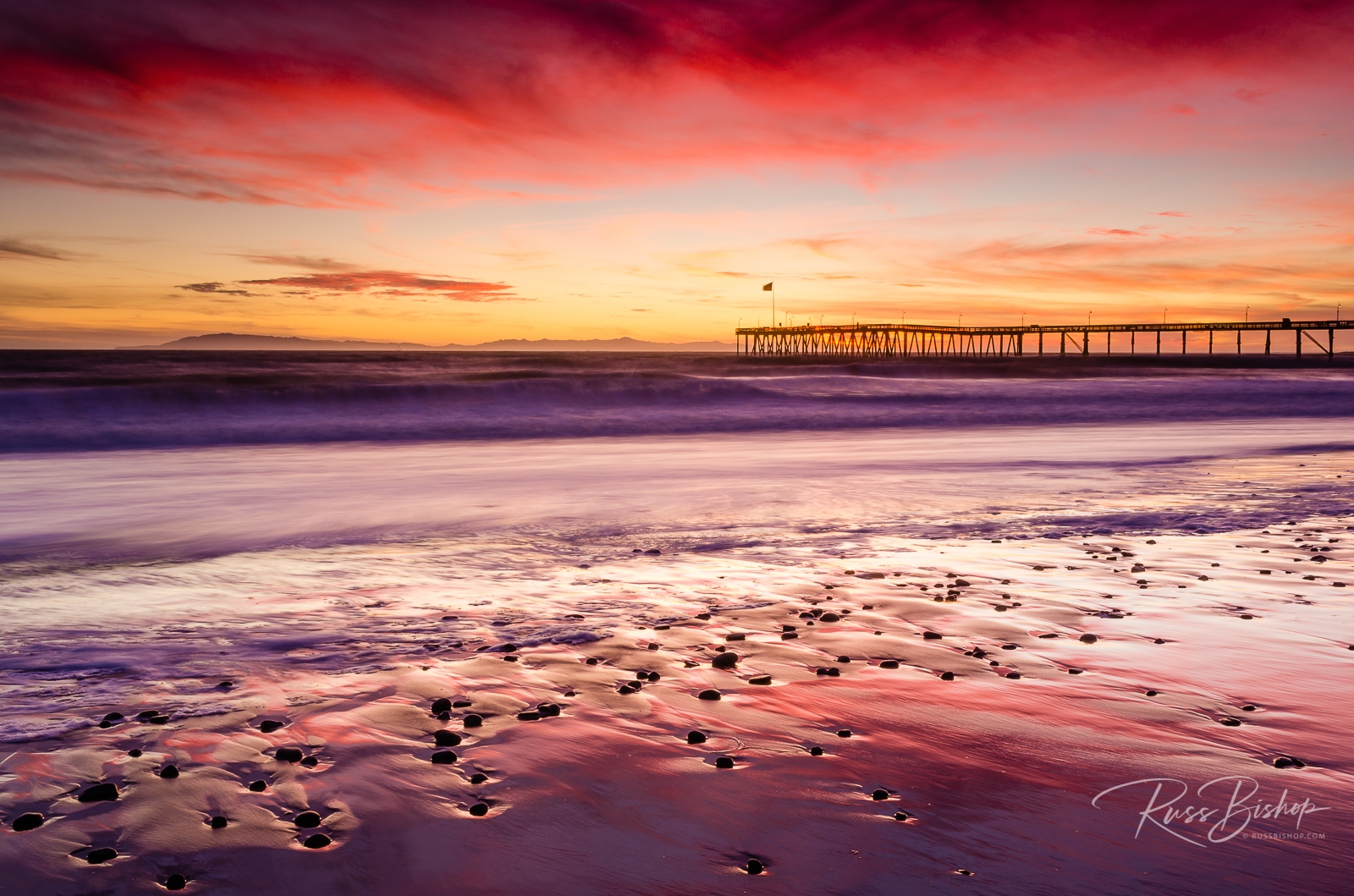
What You See Is What You Get ~ Sunset over the Channel Islands and Ventura Pier from San Buenaventura State Beach, Ventura, California
Sunset over the Channel Islands and Ventura Pier, Ventura, California

WYSIWYG (or “what you see is what you get”) is computer lingo for software that optimizes the screen display for a particular type of output. Back when word processing and desktop publishing software first hit the scene this was nothing short of a miracle. The software emulated the resolution of the printer in order to get as close as possible to WYSIWYG, but the main attraction was the ability to previsualize what you were producing prior to printing.

We now live in a far more advanced digital world of 4K monitors, massive image files, and the processors and video cards to handle them, but without color consistency across devices we might as well be living in the dark ages.

Monitor calibration has a reputation as being one of the great mysteries of digital imaging, but it really doesn’t have to be. Printing images that accurately represent what you see on-screen is a reasonable expectation that shouldn’t break the bank on wasted ink and paper. But unlike the out-of-box WYSIWYG experience you get when printing documents, your monitor requires a little assistance when it comes to images.

What you need is a spyder, and I’m not referring to those furry creatures lurking in your garage. Several companies sell highly accurate and reasonably priced kits like the Datacolor Spyder that include everything you need to guarantee that your output is consistent from screen to print. The spyder is actually a color sensor (called a colorimeter) that plugs into a standard USB port and works in tandem with software to read your monitor’s output. The process is known as calibration and it creates a custom profile that tunes your display to an industry reference standard, which is then used by image editing programs like Photoshop and Lightroom to provide consistent reliable color.

You trust your eyes and photo equipment when it comes to accurately representing your vision in the field, but it’s all for naught if your monitor doesn’t faithfully reproduce those tones and colors. Much like driving in the dark with your headlights off, editing images without a calibrated monitor is a guessing game.

So before you buy another lens or camera body, don’t overlook one of the most important investments you can make as a digital photographer. A quality monitor and calibration kit may not be the most exciting gear you’ll buy, but they do guarantee that what you see is what you get.


©Russ Bishop/All Rights Reserved